

Best AI Tools for Frontend Developers (React, Next.js, TypeScript) in 2026
Testing almost every AI tool claiming to help frontend developers? Here's what actually works in 2026 for React, Next.js, and TypeScript—organized by what you're trying to do.
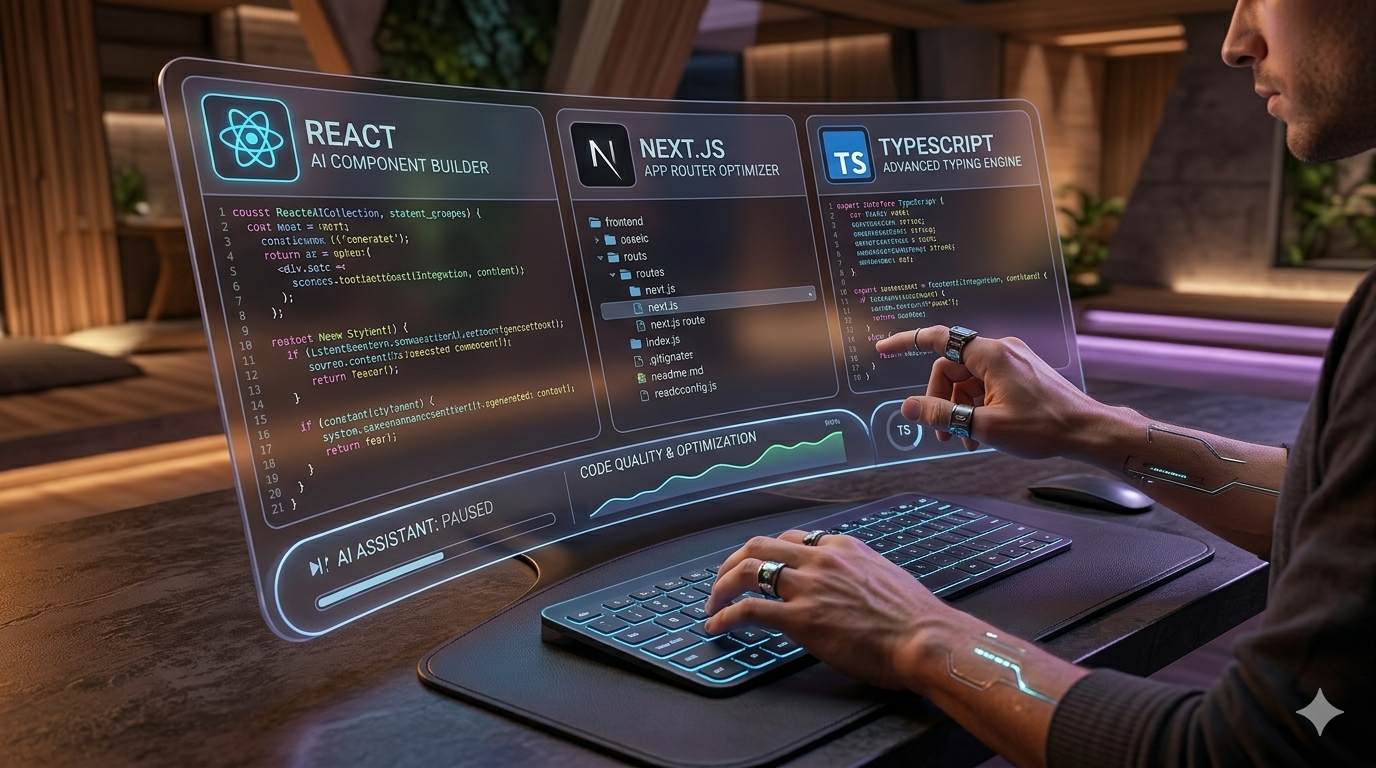
Best AI Tools for Frontend Developers (React, Next.js, TypeScript) in 2026
If you're a frontend developer in 2026, you're probably using AI somewhere in your workflow. Maybe it's autocomplete. Maybe it's generating components. Maybe it's debugging that weird React state issue at 2 AM.
The question isn't whether to use AI—it's which tools actually save you time instead of adding noise.
I've been building production React and Next.js apps for the past two years, and I've tested almost every AI tool claiming to help frontend developers. Here's what actually works in 2026, organized by what you're trying to do.
AI Coding Assistants (The Big Ones)
These are your day-to-day tools. You'll use these constantly.
1. Cursor
Best for: AI-first editor with deep codebase understanding
Cursor is a fork of VS Code built around AI. Unlike traditional autocomplete tools, Cursor treats your entire codebase as context. You can ask it to refactor components, add error handling, or generate tests, and it actually understands how your files connect.
Why it's great for React/Next.js:
- Understands App Router patterns
- Knows how hooks, context, and server components interact
- Can refactor entire components while preserving types
- Chat-based editing with inline previews
Pricing: Free tier + paid plans ($20/month)
API: No public API
Open Source: No
If you're doing serious React work in 2026, Cursor is the tool I reach for most. It's not just autocomplete—it's like having a senior developer pair programming with you.
2. GitHub Copilot
Best for: Industry-standard autocomplete with broad language support
Copilot is still the most widely used AI coding assistant. It's solid for line-by-line autocomplete, works everywhere, and has great IDE support (VS Code, JetBrains, Neovim).
Why it's great for frontend:
- Fast autocomplete for JavaScript/TypeScript
- Good React pattern recognition
- Works with all your existing tools
- Chat interface for explanations
Pricing: $10/month (free for students/maintainers)
API: No public API
Open Source: No
Copilot is the safe choice. It won't blow your mind, but it's reliable and everyone knows how to use it.
3. Codeium
Best for: Free, high-quality AI coding assistant
Codeium offers a generous free tier that actually works. For individual developers or small teams on a budget, it's the best free alternative to Copilot.
Why it's great for frontend:
- Fast autocomplete on TypeScript/React
- Chat interface included
- Good IDE support (VS Code, JetBrains, Vim)
- No cost for individuals
Pricing: Free for individuals + paid teams
API: Limited public API
Open Source: No
If you want Copilot-like features without paying, Codeium is the one to try first.
4. Tabnine
Best for: Privacy-focused, local model options
Tabnine emphasizes privacy and can run models locally or in private cloud environments. This matters if you're working on proprietary code or in regulated industries.
Why it's great for frontend:
- Local model options for privacy
- Full-line and function completion
- Works with many languages and editors
- Enterprise-grade security
Pricing: Free + paid plans
API: No public API
Open Source: No
Use Tabnine if data privacy is a real concern for your team.
AI for UI Generation & Design-to-Code
These tools help you go from idea to working component faster.
5. V0
Best for: Generating React/Next.js UI code from prompts
V0 is what I use when I need a quick UI component. You describe what you want (e.g., 'a responsive navbar with dark mode and mobile menu'), and it generates clean Next.js code using shadcn/ui or Tailwind CSS.
Why it's great for frontend:
- Generates production-ready React code
- Uses modern patterns (hooks, TypeScript)
- Works with Tailwind CSS and shadcn/ui
- Free tier is generous
Pricing: Free tier + paid plans
API: Yes (via Vercel AI SDK)
Open Source: No
V0 is perfect for prototyping or when you need a component fast and don't want to build it from scratch.
6. Locofy
Best for: Converting Figma designs to React code
Locofy takes Figma designs and converts them to production-ready React code. It's not perfect, but it saves hours when you're building from a design system.
Why it's great for frontend:
- Figma to React/Next.js conversion
- Preserves responsive layouts
- Supports Tailwind CSS and styled-components
- Good for team workflows
Pricing: Free + paid plans
API: No
Open Source: No
Use Locofy if you're working from Figma designs and want to skip the manual translation.
AI for Documentation & Writing
Frontend work isn't just code. Documentation, comments, and technical writing matter too.
7. Mintlify
Best for: AI-powered API documentation
Mintlify generates beautiful documentation from your code. It's especially useful if you're building libraries, APIs, or tools that other developers will use.
Why it's great for frontend:
- Auto-generates docs from TypeScript
- Beautiful, searchable UI
- Keeps docs in sync with code
- Good for public APIs
Pricing: Free tier + paid plans
API: Yes
Open Source: No
If you're building something developers will integrate, Mintlify makes documentation way less painful.
8. Notion AI
Best for: General writing, docs, and project notes
Notion AI isn't code-specific, but it's great for writing technical documentation, project plans, and team docs. I use it for everything from README files to project specs.
Why it's great for frontend:
- Writes clean technical prose
- Good for READMEs and docs
- Integrates with Notion workspaces
- Helps with non-coding tasks
Pricing: $10/month (add-on to Notion)
API: Limited
Open Source: No
Use Notion AI for anything that's about your code but isn't code itself.
AI APIs (For Building AI Into Your Apps)
If you're building AI-powered features into your Next.js apps, these are the APIs to know.
9. OpenAI API
Best for: General-purpose AI with broad capabilities
OpenAI's API (GPT-4o, GPT-5) is the most versatile. You can use it for chat, code generation, content creation, and more.
Pricing: $0.75–$30 per 1M tokens depending on model
Best for: Versatile AI features in your apps
10. Anthropic API (Claude)
Best for: Better reasoning and larger context windows
Claude's API (Sonnet 4.6, Opus 4.8) is better for complex reasoning, code analysis, and tasks requiring large context windows.
Pricing: $3–$25 per 1M tokens
Best for: Code analysis, complex tasks, better reasoning
11. Vercel AI SDK
Best for: Building AI features in Next.js apps
The Vercel AI SDK makes it easy to add streaming chat, UI components, and model switching to your Next.js apps. It works with OpenAI, Anthropic, and many other providers.
Pricing: Free (SDK) + model costs
Best for: Next.js developers building AI features
AI for Testing & Code Quality
These tools help you catch bugs before they hit production.
12. CodeT5+ (via various platforms)
Best for: Code review and bug detection
CodeT5+ models are good at analyzing code quality, finding bugs, and suggesting improvements. Several platforms wrap these models with better UX.
Pricing: Varies by platform
Best for: Code review, bug detection
13. TestingBot AI / Playwright AI
Best for: Generating test cases
AI-powered testing tools can generate test cases from your code, suggest edge cases, and automate test creation.
Pricing: Varies
Best for: Automated test generation
My Daily Stack (What I Actually Use)
Here's what's open on my machine during a typical workday:
| Tool | When I Use It |
|---|---|
| Cursor | Primary editor for coding, refactoring, debugging |
| GitHub Copilot | Secondary autocomplete in VS Code for non-Cursor work |
| V0 | When I need a UI component fast |
| Claude (chat) | Complex debugging, architecture review |
| ChatGPT | Quick snippets, documentation, non-coding tasks |
| Mintlify | When writing API docs or READMEs |
| OpenAI/Anthropic API | Building AI features into my apps |
The key insight: I use multiple tools. They're complementary, not competitive. Cursor for deep work, V0 for quick components, Claude for complex reasoning, ChatGPT for everything else.
How to Choose
Here's a simple decision framework:
| Your Priority | Recommended Tool |
|---|---|
| Best overall coding experience | Cursor |
| Free tier | Codeium |
| Privacy/local models | Tabnine |
| Industry standard | GitHub Copilot |
| UI generation | V0 |
| Design-to-code | Locofy |
| Documentation | Mintlify |
| Building AI features | Vercel AI SDK + OpenAI/Anthropic |
Final Thoughts
AI tools in 2026 are mature enough to be part of your daily workflow. They won't replace your judgment, but they can:
- Cut down repetitive typing
- Surface better patterns
- Help you learn new APIs faster
- Reduce bugs before they reach production
Start with one tool (I'd recommend Cursor for React/Next.js work), integrate it into your existing workflow, and gradually expand your AI-assisted stack.
Don't try to use everything at once. Pick what solves your actual pain points.
This post is part of the NeuralChooser AI directory. Browse more AI tools for developers, filter by pricing and API availability, and find the right stack for your next project.
Related Articles

Vibe Coding in 2026: What It Is, Best Tools, and Is It Actually Legit?
Everyone is talking about vibe coding, but what is it actually? Here's what vibe coding means, which tools work in 2026, and whether it's legitimate for real development.

Loop Engineering in 2026: What It Is, Why It Matters, and How to Build Loops Right
Loop engineering is the practice of designing iterative workflows where AI systems learn and improve over time. Here is what loop engineering means, why it matters for developers in 2026, and how to build effective loops.

What Is a Forward Deployed Engineer? Roles, Responsibilities, and Why It Matters
Explore the role of a Forward Deployed Engineer (FDE), its origins at Stripe, and how it bridges the gap between customers and engineering teams.