

The Rise of Agentic Development: What It Means for Developers in 2026
Agentic development is changing how we build AI apps. Here is what agentic development means, how agentic workflows work, and why it matters for developers in 2026.
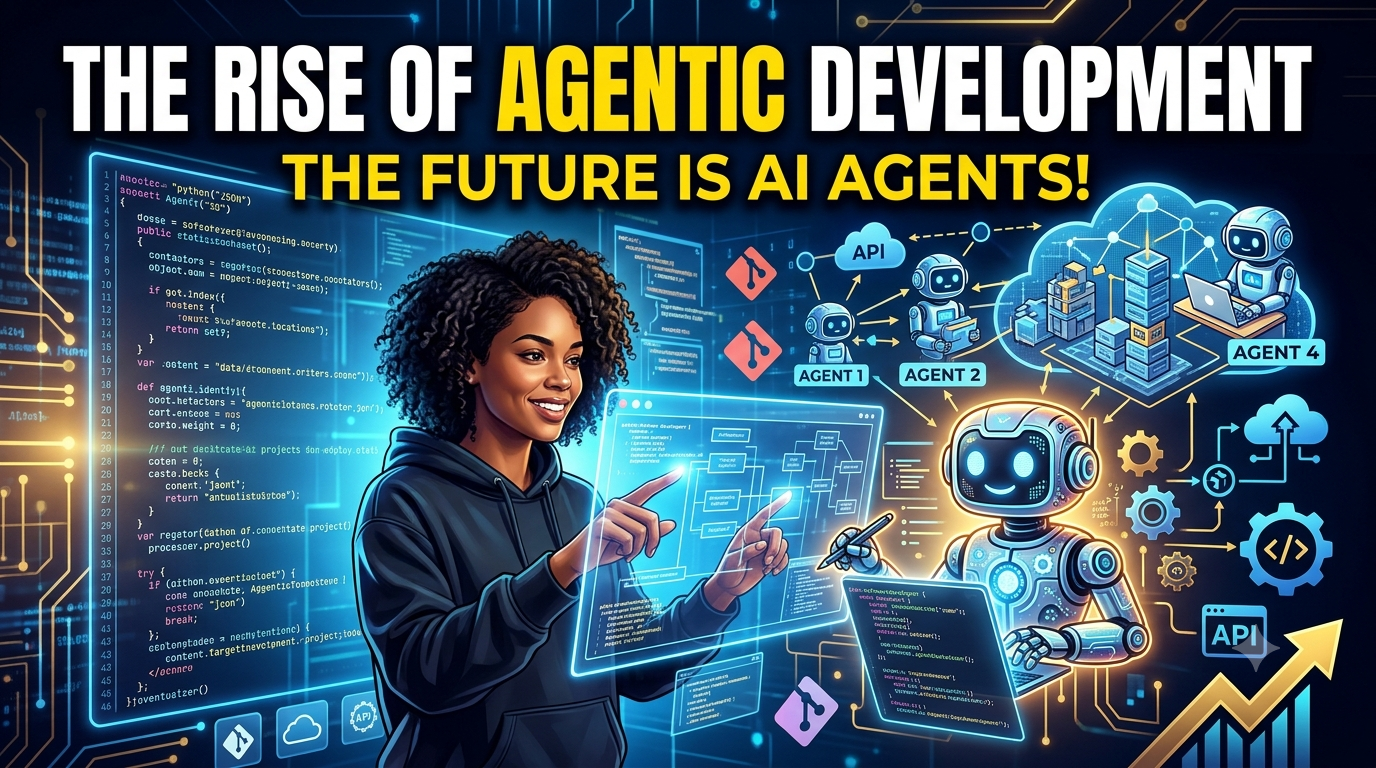
The Rise of Agentic Development: What It Means for Developers in 2026
If you have been building AI-powered apps lately, you have probably heard the term agentic development everywhere. But what is agentic development, and why does it matter for developers in 2026? Is it just a buzzword, or is it actually changing how we build software?
I have been implementing agentic development workflows for the past year while building AI-powered Next.js apps. Here is what agentic development actually means, how it works, and why it is becoming the standard for modern development.
What Is Agentic Development? (The Short Answer)
Agentic development is building software systems where AI agents can take actions, make decisions, and execute tasks automatically instead of just responding to prompts. Instead of chatbots that talk, you build agents that do.
Think of it like this:
- Traditional AI: You ask a question, AI gives you an answer
- Agentic AI: You give a goal, AI figures out how to achieve it and executes the steps
The agentic development meaning is simple: it is the practice of building AI systems that act autonomously to accomplish goals, rather than just responding to inputs.
What Is Agentic Development? (The Full Explanation)
Agentic development is about creating AI agents that have agency — the ability to:
- Plan: Break down complex goals into steps
- Act: Execute actions in external systems (APIs, databases, tools)
- Remember: Use context from previous interactions
- Adapt: Change plans based on results
- Learn: Improve from feedback and outcomes
When you build with agentic development, you are not just building a chatbot. You are building an autonomous worker that can handle entire workflows.
Agentic Development Example
Traditional AI app:
User: "Create a GitHub PR for this bug fix"
AI: "Here is the code for the bug fix"
text
Agentic development app:
User: "Create a GitHub PR for this bug fix"
AI: [Reads the code, writes the fix, creates a branch, opens a PR]
AI: "I created PR #123 with the bug fix. Here is the link."
text
Is ChatGPT an Agentic AI?
No, ChatGPT is not an agentic AI by itself. ChatGPT is a reactive model — it responds to prompts but does not take actions on its own.
ChatGPT vs Agentic AI
| Feature | ChatGPT | Agentic AI |
|---|---|---|
| Type | Reactive model | Autonomous agent |
| Actions | None (just text) | Can execute tasks |
| Planning | No | Yes |
| Memory | Limited (per session) | Long-term context |
| Tool use | Manual (you copy-paste) | Automatic (uses tools) |
| Goal-oriented | No (responds to prompts) | Yes (achieves goals) |
However, you can make ChatGPT agentic by:
- Connecting it to APIs
- Building custom agents around it
- Using it as part of an agentic workflow
- Adding MCP (Model Context Protocol) for tool access
Claude is more agentic than ChatGPT because it has native MCP support and can use tools more automatically.
What Are the Stages of AI Development?
There are four main stages of AI development, from simple to fully agentic:
Stage 1: Reactive AI (Chatbots)
- Responds to prompts
- No memory beyond session
- No actions or tools
- Example: Early ChatGPT, basic chatbots
Stage 2: Context-Aware AI
- Has some memory
- Uses context from previous interactions
- Still reactive but more aware
- Example: ChatGPT with conversation history
Stage 3: Tool-Using AI
- Can use external tools
- Can call APIs
- Can read/write data
- Example: AI with MCP, plugins, or custom integrations
Stage 4: Agentic AI (Autonomous Agents)
- Plans and executes workflows
- Makes decisions autonomously
- Adapts based on results
- Learns from feedback
- Example: Claude with MCP, Cursor AI, custom agents
Agentic development is building in Stage 4.
What Are Examples of Agentic Behavior?
Agentic behavior is when AI takes actions to achieve goals instead of just responding. Here are real examples:
Example 1: Coding Agent
Goal: "Fix the login bug in my React app"
Agentic behavior:
Reads the codebase to find the bug
Writes the fix
Tests it locally
Creates a PR
Reports back with the PR link
text
Example 2: Research Agent
Goal: "Find the best AI tools for frontend developers"
Agentic behavior:
Searches multiple sources
Compares results
Reads reviews and docs
Summarizes findings
Creates a comparison table
text
Example 3: Automation Agent
Goal: "Set up my new project on GitHub"
Agentic behavior:
Creates a GitHub repo
Adds initial files
Sets up CI/CD
Invites collaborators
Creates project docs
text
Example 4: Data Agent
Goal: "Analyze my database and find trends"
Agentic behavior:
Queries the database
Runs analysis
Creates visualizations
Generates a report
Sends it to Slack
text
Agentic behavior is goal → plan → execute → adapt → report.
Agentic Development Meaning (Deep Dive)
The agentic development meaning goes beyond just using AI. It is about:
1. Building Autonomy
You are not building a chatbot that waits for prompts. You are building agents that can take initiative and work toward goals.
2. Tool Integration
Agentic development requires tools that agents can use — APIs, databases, filesystem access, external services.
3. Planning and Memory
Agents need to plan multi-step workflows and remember context across interactions.
4. Feedback Loops
Agents need to learn from results and adapt their approach based on what works.
5. Human Oversight
Agentic development is not about replacing humans. It is about giving humans better tools while keeping them in control.
Agentic Development Workflow (How It Works)
An agentic development workflow has these steps:
User gives a goal
↓
Agent breaks goal into steps (planning)
↓
Agent executes steps using tools (acting)
↓
Agent checks results (monitoring)
↓
Agent adjusts if needed (adapting)
↓
Agent reports back (final output)
text
Example Workflow: Building a Feature
Goal: "Add dark mode to my React app"
Planning:
Read the codebase
Understand the current theme system
Plan the changes needed
Acting:
Create a ThemeContext
Add dark mode styles
Update components
Add toggle button
Monitoring:
Test the changes
Check for bugs
Verify on different screens
Adapting:
Fix any issues found
Adjust styling if needed
Reporting:
Create a PR
Summary of changes
Link to PR
text
Agentic Development Environment (Setting It Up)
An agentic development environment is your setup for building AI agents. Here is what you need:
Core Components
| Component | What It Does | Examples |
|---|---|---|
| AI Model | The intelligence | Claude, GPT-4, Llama |
| Agent Framework | Manages agent behavior | LangChain, AutoGen, Vercel AI SDK |
| Tools | What agents can use | APIs, MCP servers, databases |
| Memory | Context storage | Vector DB, Redis, Postgres |
| Orchestration | Workflow management | LangGraph, Temporal, custom |
Setting Up Your Environment
- Pick an AI model: Claude for reasoning, GPT-4 for versatility
- Choose a framework: LangChain for Python, Vercel AI SDK for Next.js
- Add tools: MCP servers, APIs, databases
- Set up memory: Vector DB for long-term context
- Build orchestration: Define workflows and decision points
Agentic Development Lifecycle (The Process)
The agentic development lifecycle is how you build and deploy AI agents:
Stage 1: Define the Goal
- What should the agent accomplish?
- What are the success criteria?
- What constraints exist?
Stage 2: Design the Agent
- What tools does it need?
- What memory does it need?
- What decisions will it make?
Stage 3: Build the Agent
- Implement the framework
- Add tool integrations
- Set up memory and context
Stage 4: Test the Agent
- Run it on sample tasks
- Check for errors
- Verify outputs
Stage 5: Deploy the Agent
- Set up production infrastructure
- Monitor performance
- Add human oversight
Stage 6: Iterate
- Collect feedback
- Improve based on results
- Add new capabilities
Agentic Development Tools (What to Use)
Here are the top agentic development tools in 2026:
Frameworks
| Tool | Best For | Language |
|---|---|---|
| LangChain | General agent building | Python |
| Vercel AI SDK | Next.js agents | TypeScript |
| AutoGen | Multi-agent systems | Python |
| LangGraph | Complex workflows | Python |
| LlamaIndex | Data-focused agents | Python |
| CrewAI | Team-based agents | Python |
Platforms
| Platform | Best For |
|---|---|
| Claude | Best reasoning, native MCP |
| Cursor | AI-first IDE with agents |
| Vercel | Next.js + AI integration |
| AWS Bedrock | Enterprise agents |
| Google Vertex AI | Google Cloud agents |
Tools & Integrations
| Tool | What It Does |
|---|---|
| MCP Servers | Connect AI to data sources |
| Zapier AI | Automate workflows |
| LangFuse | Agent monitoring |
| Phoenix | Agent evaluation |
| Weights & Biases | Agent training |
Agentic Development Frameworks (Comparison)
LangChain
Best for: General agent building, Python projects
Pros:
- Huge ecosystem
- Lots of examples
- Good documentation
- Many integrations
Cons:
- Complex for beginners
- Python-only (mostly)
- Can be slow
Best for: Python developers building versatile agents
Vercel AI SDK
Best for: Next.js + AI, TypeScript projects
Pros:
- Native Next.js integration
- TypeScript-first
- Streaming support
- MCP integration
Cons:
- TypeScript/Next.js only
- Smaller ecosystem than LangChain
Best for: Frontend/Next.js developers building AI apps
AutoGen
Best for: Multi-agent systems, complex workflows
Pros:
- Great for team-based agents
- Good conversation patterns
- Python-native
Cons:
- Python-only
- Complex setup
- Less docs than LangChain
Best for: Building agent teams that collaborate
Agentic Development with Claude (My Setup)
Claude is one of the best options for agentic development with Claude because:
Why Claude is Great for Agentic Development
- Native MCP support: Connects to tools automatically
- Best reasoning: Understands complex goals
- Large context: 200K tokens for memory
- Tool use: Can execute actions
- Human-in-the-loop: Keeps you in control
My Agentic Development Setup with Claude
AI Model: Claude (Sonnet 4.6)
Framework: Custom with Vercel AI SDK
Tools: MCP servers (GitHub, Slack, Database)
Memory: PostgreSQL + Vector DB
Orchestration: Custom workflows
text
With this setup, I can give Claude goals like:
- "Fix the login bug and create a PR"
- "Analyze my database and find trends"
- "Set up my new project on GitHub"
And Claude will execute the entire workflow.
Agentic Development Best Practices (Do This)
Here are the agentic development best practices I use:
1. Start Small
- Dont build complex agents immediately
- Start with simple tasks
- Iterate and scale up
2. Keep Humans in the Loop
- Always have oversight
- Let humans approve critical actions
- Dont make agents fully autonomous for important tasks
3. Use Good Tool Design
- Make tools clear and predictable
- Add error handling
- Test tools thoroughly
4. Set Up Memory Properly
- Store context effectively
- Use vector DBs for long-term memory
- Keep conversation history
5. Monitor and Evaluate
- Track agent performance
- Collect feedback
- Measure success rates
6. Add Safety Checks
- Limit what agents can do
- Add approval steps for sensitive actions
- Log all agent actions
7. Test Thoroughly
- Run on sample tasks
- Check edge cases
- Test failure scenarios
8. Document Everything
- Document agent capabilities
- Document workflows
- Document decision points
Agentic Development Platform (Choosing One)
An agentic development platform provides infrastructure for building agents. Here are the top options:
Vercel Platform
Best for: Next.js developers
Features:
- AI SDK integration
- MCP support
- Streaming
- Edge functions
Pricing: Free tier + paid
AWS Bedrock
Best for: Enterprise, AWS users
Features:
- Multiple models
- Enterprise security
- Scalable infrastructure
- Good tooling
Pricing: Pay per use
Google Vertex AI
Best for: Google Cloud users
Features:
- Gemini models
- Google integration
- Good tooling
- Enterprise support
Pricing: Pay per use
Custom Setup
Best for: Flexibility, control
Features:
- Build your own
- Full control
- No platform limits
Pricing: Depends on infrastructure
Agentic Development Kit (Building Your Own)
An agentic development kit is your toolkit for building agents. Here is what to include:
Essential Components
| Component | What to Use |
|---|---|
| AI Model | Claude, GPT-4, Llama |
| Framework | LangChain, Vercel AI SDK, AutoGen |
| Tools | MCP servers, APIs |
| Memory | PostgreSQL, Vector DB |
| Orchestration | LangGraph, custom |
| Monitoring | LangFuse, Phoenix |
| Testing | Custom test suite |
Starter Kit Example
// Vercel AI SDK starter
import { createAI } from "vercel-ai-sdk";

const agent = createAI({
  model: "claude-sonnet-4",
  tools: [
    githubTool,
    slackTool,
    databaseTool
  ],
  memory: postgresMemory,
});

await agent.execute("Fix the login bug");
Why Agentic Development Matters in 2026
Agentic development is important because it solves a real problem: AI needs to do work, not just talk.
Before Agentic Development
- AI just responds to prompts
- Humans do all the work
- No automation
- Manual processes
With Agentic Development
- AI executes workflows
- Humans oversee and guide
- Automation handles repetitive tasks
- Faster development cycles
Agentic development is the future of AI that actually works instead of just chatting.
How to Start Agentic Development
Step 1: Pick Your Tools
- AI model: Claude for reasoning
- Framework: Vercel AI SDK for Next.js
- Tools: MCP servers for data access
Step 2: Build a Simple Agent
- Start with one task
- Add tools gradually
- Test thoroughly
Step 3: Add Memory
- Set up context storage
- Add conversation history
- Use vector DB for long-term memory
Step 4: Scale Up
- Add more complex workflows
- Add more tools
- Improve based on feedback
Step 5: Deploy
- Set up production
- Add monitoring
- Keep humans in the loop
My Agentic Development Setup (What I Actually Use)
Here is what I have configured for my daily workflow:
| Component | What I Use |
|---|---|
| AI Model | Claude (Sonnet 4.6) |
| Framework | Vercel AI SDK |
| Tools | MCP servers (GitHub, Slack, Postgres) |
| Memory | PostgreSQL + Vector DB |
| Orchestration | Custom workflows |
| Monitoring | LangFuse |
I use Claude as my agent, and this setup gives it everything it needs to execute workflows.
Final Thoughts: Is Agentic Development Worth It?
Yes, if you are building AI-powered apps.
Agentic development is legitimate for:
- Building autonomous workflows
- Automating repetitive tasks
- Creating agents that do real work
- Reducing manual development
But it is not for:
- Simple chatbots that do not need actions
- Projects with no AI agents
- Teams not ready for AI automation
The best developers in 2026 will use agentic development for AI apps. Start with Claude + MCP + Vercel AI SDK, experiment, and build your workflows.
This post is part of the NeuralChooser AI directory. Browse agentic development tools, AI agents, and frameworks, filter by pricing and API availability, and find the right tools for your next project.
Related Posts
Related Articles

Vibe Coding in 2026: What It Is, Best Tools, and Is It Actually Legit?
Everyone is talking about vibe coding, but what is it actually? Here's what vibe coding means, which tools work in 2026, and whether it's legitimate for real development.

Loop Engineering in 2026: What It Is, Why It Matters, and How to Build Loops Right
Loop engineering is the practice of designing iterative workflows where AI systems learn and improve over time. Here is what loop engineering means, why it matters for developers in 2026, and how to build effective loops.

What Is a Forward Deployed Engineer? Roles, Responsibilities, and Why It Matters
Explore the role of a Forward Deployed Engineer (FDE), its origins at Stripe, and how it bridges the gap between customers and engineering teams.